
Ultimi video
Powerd By :- Saikat Infotech
Website :- https://saikatinfotech.com

Powerd By :- Saikat Infotech
Website :- https://saikatinfotech.com
Facebook :- https://facebook.com/saikatinfotech
Instagram :- https://instagram.com/saikatinfotech
Youtube :- https://youtube.com/@saikatinfotech
Music :- https://music.saikatinfotech.com
Course :- https://course.saikatinfotech.com
Cloud :- https://cloudstorage.saikatinfotech.com

SUPPORT OUR CHANNEL BY DONATING-https://paypal.me/srvnewbie
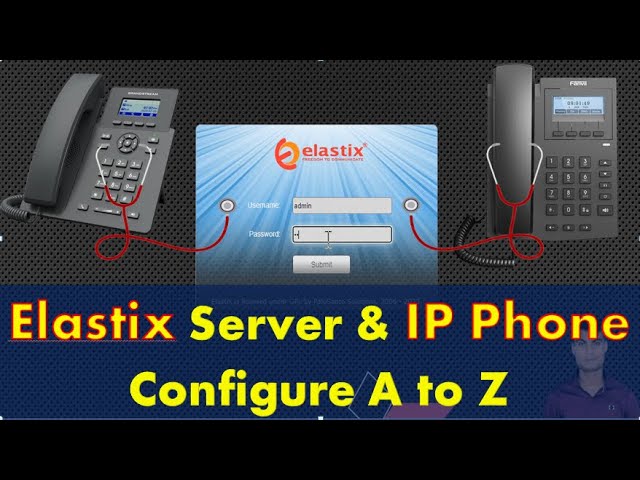
Elastix is an unified communications server software that brings together IP PBX, email, IM, faxing and collaboration functionality. It has a Web interface and includes capabilities such as a call center software with predictive dialing.
Here in this video we have explained what is elastix and gave a brief overview of call monitoring and reporting section. The video is in HINDI. Please watch the full video for better understanding. It is mainly for the indian audience.
Video link for Vicidial Normal/Express installation:-
1)https://youtu.be/Sc1mptGpm1s (Hindi)
2)https://youtu.be/S8TJ5UOLxlA (English)
Video link for Vicidial Cluster installation:-
1)https://youtu.be/Mq1N0zQto9o(English)
Links to our previous tutorial video:-
1) https://youtu.be/Sc1mptGpm1s
2) https://youtu.be/S8TJ5UOLxlA
3) https://youtu.be/cXqRdSxWMtc
4) https://youtu.be/TYf3uXip7Mk
5) https://youtu.be/NymgOxWvNSw
6) https://youtu.be/qD2cG9LC2DE
7) https://youtu.be/DmBa0W0-ANE
8) https://youtu.be/Mq1N0zQto9o
9) https://youtu.be/3sU054v6yEY
Newbie Solutions is available for Network security, WiFi, VoIP, PBX consulting services, Dialer set up and any type of network solutions. Please feel free to contact us.
Contact Newbie Solutions for any type of support:-
Skype ID:- solutionsnewbie
Email ID:- solutionsnewbie@gmail.com
Creators- SUSAM GHATAK & SAURAV BHOWMICK
#PBX #Elastix #Newbiesolutions

Powerd By :- Saikat Infotech
Website :- https://saikatinfotech.com
Facebook :- https://facebook.com/saikatinfotech
Instagram :- https://instagram.com/saikatinfotech
Youtube :- https://youtube.com/@saikatinfotech
Music :- https://music.saikatinfotech.com
Course :- https://course.saikatinfotech.com
Cloud :- https://cloudstorage.saikatinfotech.com

Powerd By :- Saikat Infotech
Website :- https://saikatinfotech.com
Facebook :- https://facebook.com/saikatinfotech
Instagram :- https://instagram.com/saikatinfotech
Youtube :- https://youtube.com/@saikatinfotech
Music :- https://music.saikatinfotech.com
Course :- https://course.saikatinfotech.com
Cloud :- https://cloudstorage.saikatinfotech.com

❤❤❤❤IPPBX Lecture 03:Make Call IPPBX to Mobile কি ভাবে|Elastix SIP Provider External Outbound Calls❤
Powerd By :- Saikat Infotech
Website :- https://saikatinfotech.com
Facebook :- https://facebook.com/saikatinfotech
Instagram :- https://instagram.com/saikatinfotech
Youtube :- https://youtube.com/@saikatinfotech
Music :- https://music.saikatinfotech.com
Course :- https://course.saikatinfotech.com
Cloud :- https://cloudstorage.saikatinfotech.com

❤❤❤IPPBX Lecture 02:Creating extensions in Elastix|Make your Mobile as a ip phone or ip pbx❤❤❤❤❤❤❤❤❤
Powerd By :- Saikat Infotech
Website :- https://saikatinfotech.com
Facebook :- https://facebook.com/saikatinfotech
Instagram :- https://instagram.com/saikatinfotech
Youtube :- https://youtube.com/@saikatinfotech
Music :- https://music.saikatinfotech.com
Course :- https://course.saikatinfotech.com
Cloud :- https://cloudstorage.saikatinfotech.com

Powerd By :- Saikat Infotech
Website :- https://saikatinfotech.com
Facebook :- https://facebook.com/saikatinfotech
Instagram :- https://instagram.com/saikatinfotech
Youtube :- https://youtube.com/@saikatinfotech
Music :- https://music.saikatinfotech.com
Course :- https://course.saikatinfotech.com
Cloud :- https://cloudstorage.saikatinfotech.com

Powerd By :- Saikat Infotech
Website :- https://saikatinfotech.com
Facebook :- https://facebook.com/saikatinfotech
Instagram :- https://instagram.com/saikatinfotech
Youtube :- https://youtube.com/@saikatinfotech
Music :- https://music.saikatinfotech.com
Course :- https://course.saikatinfotech.com
Cloud :- https://cloudstorage.saikatinfotech.com

In today's episode "Yeastar S20 VoIP PBX - Complete Step by Step Tutorial ".
Yeastar S20 is a VoIP PBX for Small Business.
It is a stand-alone PBX System that supports :
- 20 Users
- 10 Concurrent Calls
- Up to 4 FXS/FXO/BRI Ports
- Up to 1 GSM/3G/4G Channel
- 20 VoIP Trunks
It has a modular design with 2 onboard module slots.
S20 PBX provides you with many features such as :
- Call Transfer
- Music On Hold
- Video Calls
- IVR
- Ring Group
- Call Recordings
For this tutorial O2 Module will be used that supports 2 PSTN Lines
and instead of Desk Phones, mobile devices will be used with Linkus Softphone App.
Watching this Tutorial you will learn how to make Outgoing Calls and how to apply different rules.
How to use Interactive Voice Response known as IVR which is a telephone technology that interacts with Incoming Calls.
Finally we will create 2 scenarios for Incoming Calls : 1 for Working Days and 1 for Weekends.
AllWan (Yeastar's Products Distributor in Greece) : https://www.allwan.gr
Yeastar S20 PBX (Official WebSite) : https://www.yeastar.com/s20-voip-pbx/
S20 PBX on Amazon (Affiliate Link) : https://amzn.to/3bsuXGG
O2 Module (Affiliate Link) : https://amzn.to/3cC2xu1
UniFi 8 Ports Switch - 1POE_IN + 1 POE_OUT (Affiliate Link) : https://amzn.to/2VHsMZ8
Poseidwn Tech on Social Media:
http://www.poseidwn.tech
https://twitter.com/Poseidwn_Tech
https://www.instagram.com/poseidwn.tech/
https://www.facebook.com/poseidwn.tech/
https://www.pinterest.com/PoseidwnTech/
For my drawings i used SmartDraw : https://www.smartdraw.com/
Powerd By :- Saikat Infotech
Website :- https://saikatinfotech.com
Facebook :- https://facebook.com/saikatinfotech
Instagram :- https://instagram.com/saikatinfotech
Youtube :- https://youtube.com/@saikatinfotech
Music :- https://music.saikatinfotech.com
Course :- https://course.saikatinfotech.com
Cloud :- https://cloudstorage.saikatinfotech.com
*****************************************************
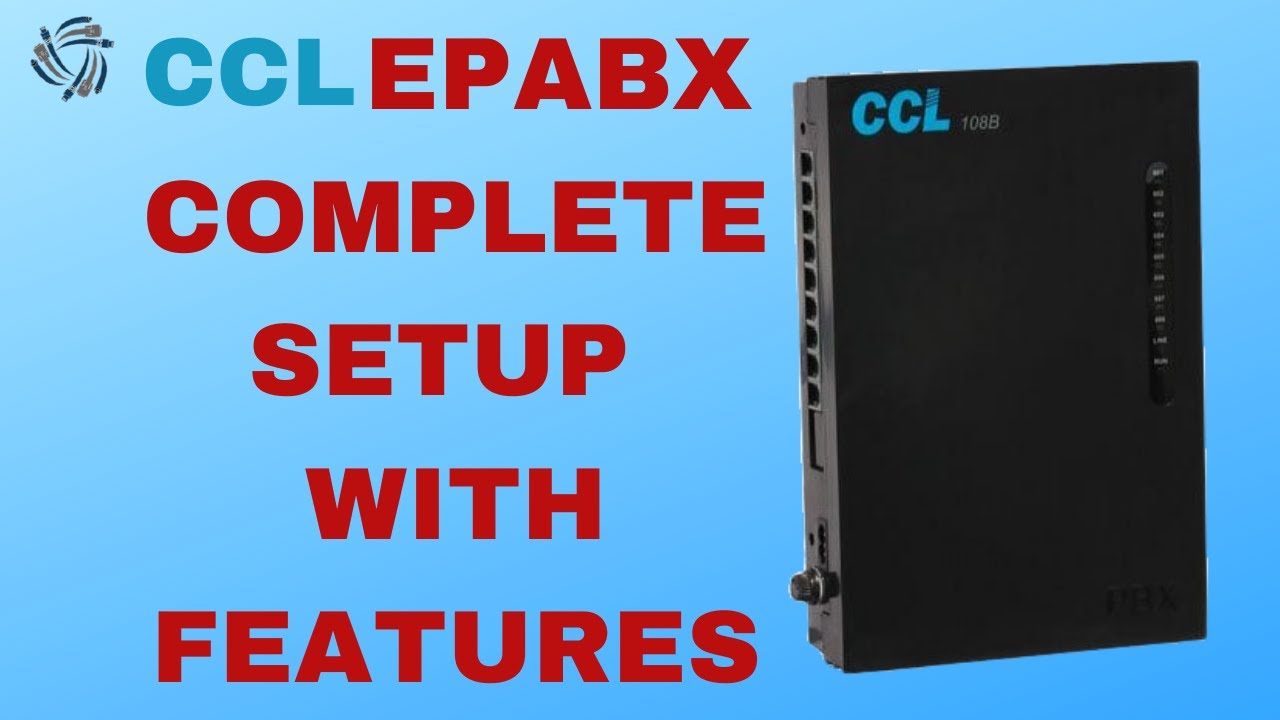
CCL 108 PBX
...........
1.Default Ext Numer Start 601 To 608
2.Default Password:- #*0000
3.Password Change :- #*0000 09 3055 #
.....................................
<Note: 3 Beep Means Password Enter Rong 1 Beep For Right Password>
<3055 Means New Password>
<09 For Code Password Changing Enter Mode>
4.Flexible Number Reset :- #*3055 90000 #
..........................................
<Felexible Number 601 To 608 By Defult After Reset>
5.Full System Reset :- #*3055 0000 #
....................................
<All Remove Configuration File>
6.New Flexible Number Programing :- #*3055 9 1 201 #
....................................................
<First Enter System Password Then 9 For Enter Programing Mode then 1 Means 1 Port No
then 3 Digits New Extention No 201 202,203,204 so on Then #>
7.Dialing ON And OFF :- #*3055 40 1 6 # #*3055 40 1 1 #
.........................................................
<Outside Call Co Line Dialing OFF Firts Enter System Password Then 40 Means Enter Program Mode
then 1 Means Port No 6 Means OFF Then #>
<<Outside Call Co Line Dialing ON Firts Enter System Password Then 40 Means Enter Program Mode
then 1 Means Port No 1 Means ON Then #>
8.Incoming Set :- #*3055 3 1 0 1 1234 #
----------------------------------------
<First System Password Then 3 Means Enter Program Mode 1 Means
First Co Line (0 Means Day Mode 1 Means Night Mode) 1 Means First Co Line Then 1234 Means Port No
(Fisrt port 1 (201 Ext no) Second Port 2 (02 Ext No) So On 1234)
First 4 Extention Enable Incoming Call Example :- 201,202,203,204
9.Memory dialing :- #*3055 35 01 8777701917 #
---------------------------------------------
<First System Password 35 For enter program Mode 01 Means Memory dialing no 701
Mob No 8777701917 #>
10.Auto Call Back :- #
-----------------------
<Any extention No Busy Then Press # Then Extaintion is free Then Auto Call Back

Powerd By :- Saikat Infotech
Website :- https://saikatinfotech.com
Facebook :- https://facebook.com/saikatinfotech
Instagram :- https://instagram.com/saikatinfotech
Youtube :- https://youtube.com/@saikatinfotech
Music :- https://music.saikatinfotech.com
Course :- https://course.saikatinfotech.com
Cloud :- https://cloudstorage.saikatinfotech.com

Powerd By :- Saikat Infotech
Website :- https://saikatinfotech.com
Facebook :- https://facebook.com/saikatinfotech
Instagram :- https://instagram.com/saikatinfotech
Youtube :- https://youtube.com/@saikatinfotech
Music :- https://music.saikatinfotech.com
Course :- https://course.saikatinfotech.com
Cloud :- https://cloudstorage.saikatinfotech.com

Powerd By :- Saikat Infotech
Website :- https://saikatinfotech.com
Facebook :- https://facebook.com/saikatinfotech
Instagram :- https://instagram.com/saikatinfotech
Youtube :- https://youtube.com/@saikatinfotech
Music :- https://music.saikatinfotech.com
Course :- https://course.saikatinfotech.com
Cloud :- https://cloudstorage.saikatinfotech.com

CRYSTAL EPABX Inspire Password Reset कैसे करेंBest Buy From Amazon Affiliate (EPABX)INTERCOM (1+1) O ( Mascom Hot Line 1+1 Intercom with 2 Alcatel Handy Phone (White)EPABX

HOW TO SET DATE AND TIME IN CRYSTAL INSPIRE SERIES FOR AUTO DAY NIGHT MODE OR ALARMBest Buy From Amazon Affiliate (EPABX)INTERCOM (1+1)

HOW TO SET INCOMING CALL LANDING ON EXTENSION IN CRYSTAL INSPIRE SERIESBest

HOW TO BLOCK OR OPEN OUTGOING TRUNK CALLS IN CRYSTAL INSPIRE SERIES EPABX LEVEL 1Best Buy From Amazon Affiliate (EPABX)INTERCOM (1+1) Onlyhttps://amzn.to/3T3AeMu ( Mascom Hot Line 1+1

crystal sn

CRYSTAL SN24/40/64 SERIES FLEXIBLE EXTENSION NUMBERING HOW TO PROGRAM